3 min read · Landing Pages
Shopify Landing Pages: Match the Campaign Promise to the Page
Plan a Shopify landing page around a specific campaign, relevant product information and a clear next action, with a focused review checklist.
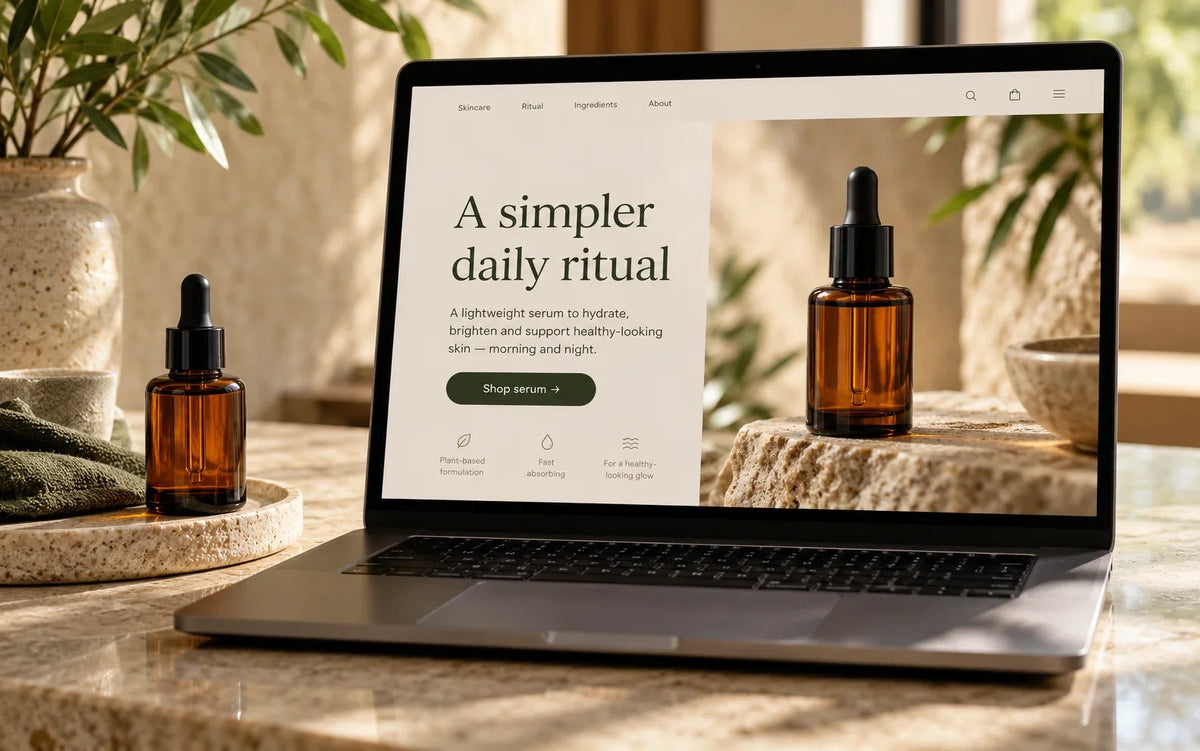
Plan a Shopify landing page around a specific campaign, relevant product information and a clear next action, with a focused review checklist.
Use this guide to review your actual store, document the important decisions and agree on the next useful change.
Define the visitor’s expectation
Start with the advertisement, email or link that brings someone to the page. Write down the offer and the question the visitor is likely to have next. A landing page should continue that conversation rather than restart it with a generic brand introduction. Keep the wording consistent enough for people to recognize that they reached the right place. If the campaign targets a particular product, make its relevance immediately visible.
Choose one primary task
Decide whether the visitor should explore a collection, evaluate a product or request more information. Supporting links can remain useful, but the main action should be clear. Avoid presenting several equally prominent buttons with unrelated destinations. Describe the next step honestly. A button labeled as a product purchase should not unexpectedly open a general contact form, and an enquiry form should explain what happens after submission.
Provide the information that task needs
Use relevant photography, practical product details and accurate conditions. Answer likely questions about fit, compatibility, delivery or what is included. Do not hide essential information behind several decorative sections. If a comparison helps the decision, use clear factual criteria instead of unsupported superiority claims. Keep any reviews authentic and relevant to the product or service being presented.
Build a coherent mobile sequence
Review the page as a vertical journey. The first screen should establish context and offer a useful next step, while later sections provide the detail needed to decide. Check text size, image crops and sticky controls. Campaign traffic may arrive on a small phone with an ordinary connection, so the page should not depend on a large desktop composition or an autoplay video to communicate its basic purpose.
Measure a defined outcome
Identify the action you will review before launching the campaign. Confirm that tracking is configured appropriately and distinguish page behavior from changes in traffic quality. Compare similar conditions when assessing results. A higher click rate does not necessarily mean more suitable customers or completed orders. Use observations and support feedback to understand the numbers rather than treating one metric as a complete verdict.
Maintain the page with the campaign
Assign ownership for offer dates, linked products and stock availability. Remove expired promises and update the destination if the campaign changes. Keep the layout reusable where that helps, but avoid copying old campaign details into a new page without review. Intact Web’s Build and Improve services can help connect campaign intent with a clear storefront experience.
← All articlesKeep reading

A Practical Shopify SEO Content Review for Store Owners
Review Shopify page titles, headings, product information and internal links with a practical content checklist focused on useful search intent.

Choosing a Shopify Theme: Review the Tasks Behind the Demo
Choose a Shopify theme by checking catalog fit, editing needs, mobile behavior and integration requirements rather than the demo homepage alone.

Prepare Your Catalog Before a WooCommerce to Shopify Migration
Prepare product options, images, categories and source URLs before moving a WooCommerce catalog to Shopify, with a plan for verification.