3 min read · Operations
Shopify Content Maintenance: Keep Your Store Accurate as It Grows
Create a manageable Shopify content routine for product facts, policy links, images, promotions and ownership as your catalog changes.
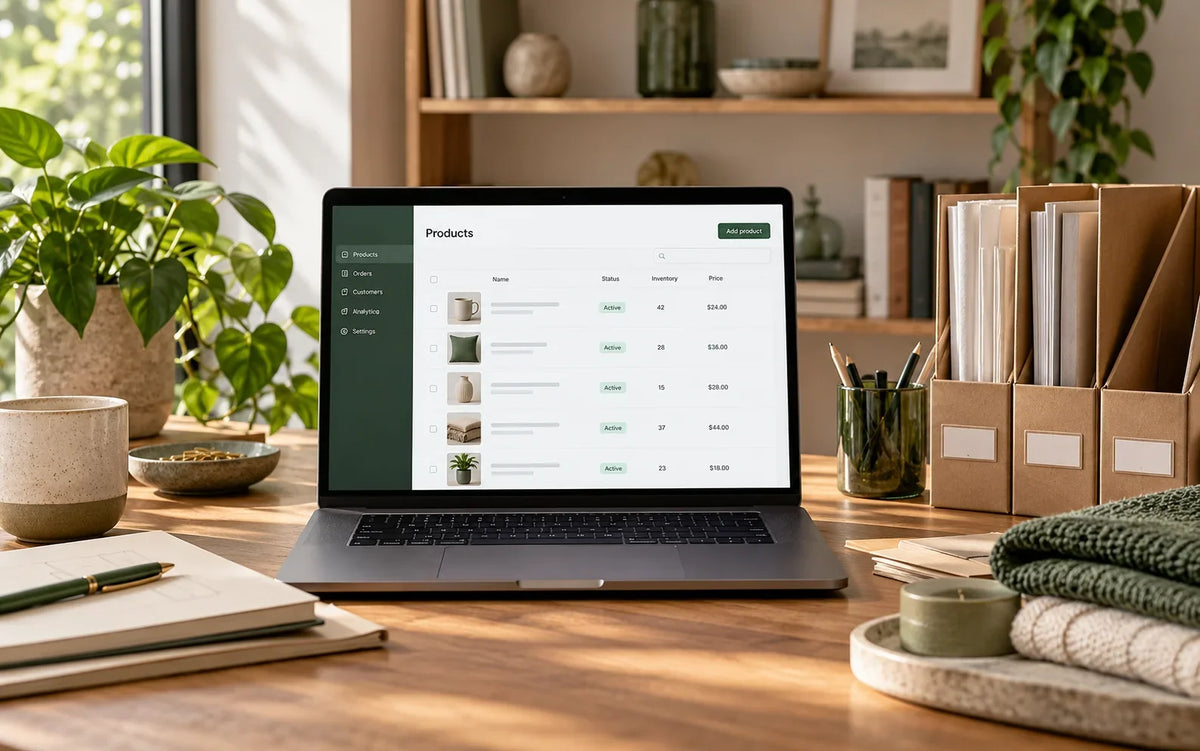
Create a manageable Shopify content routine for product facts, policy links, images, promotions and ownership as your catalog changes.
Use this guide to review your actual store, document the important decisions and agree on the next useful change.
Assign ownership to important information
A store becomes harder to maintain when everyone can edit content but nobody owns its accuracy. Identify who approves product facts, prices, policies and promotional wording. Keep a simple record of where those facts appear. Delivery information may exist in a banner, product page and policy page; an update should not leave those versions contradicting one another. Ownership makes routine maintenance a business process rather than an occasional cleanup.
Create a product publishing checklist
Define the minimum information required before a new product becomes available. Include a readable title, accurate options, approved images, specifications and relevant collection membership. Check the actual storefront as well as the admin record. A complete database entry can still render poorly in a shared template. Use representative examples to explain the standard so staff do not have to infer it from whichever product was added most recently.
Separate reusable layout from facts
Shared templates and sections should make content easier to manage, but category-specific information needs a suitable home. Avoid hardcoding product facts into a template used by unrelated items. Document which settings affect one product and which affect a whole group. Before changing a shared component, review its other uses. That small check can prevent a correction on one page from creating inaccurate content elsewhere.
Keep the asset library understandable
Use a consistent naming approach and retain original approved files. Record where important images are used before moving or replacing them. Avoid deleting an asset simply because it does not appear on the homepage. It may be used in another template or older article. Organize assets without changing working URLs unnecessarily, and keep retired campaign material separate from current content so staff can choose confidently.
Review time-sensitive content
Schedule checks for promotions, seasonal collections and delivery notices. Remove expired claims and verify linked destinations. Review contact details and policy information with the responsible business owner when operations change. A regular short review is easier than rebuilding trust after customers find contradictory information. Keep a change record for important updates so the team can understand when a statement changed and which related pages were checked.
Build maintenance into the handover
Ask for clear instructions on routine edits and the boundaries of custom features. Keep a recovery copy before significant theme changes and use a draft for layout work. Train staff on representative tasks rather than a long tour of unrelated settings. Intact Web’s Improve service can help make an existing store easier to maintain; Build can establish those conventions from the start.
← All articlesKeep reading

A Practical Shopify SEO Content Review for Store Owners
Review Shopify page titles, headings, product information and internal links with a practical content checklist focused on useful search intent.

Choosing a Shopify Theme: Review the Tasks Behind the Demo
Choose a Shopify theme by checking catalog fit, editing needs, mobile behavior and integration requirements rather than the demo homepage alone.

Shopify Landing Pages: Match the Campaign Promise to the Page
Plan a Shopify landing page around a specific campaign, relevant product information and a clear next action, with a focused review checklist.