3 min read · Navigation
Shopify Collection Navigation: Help Customers Find the Right Product
Organize Shopify collections around real customer choices, with clear labels, useful product cards and a manageable navigation hierarchy.
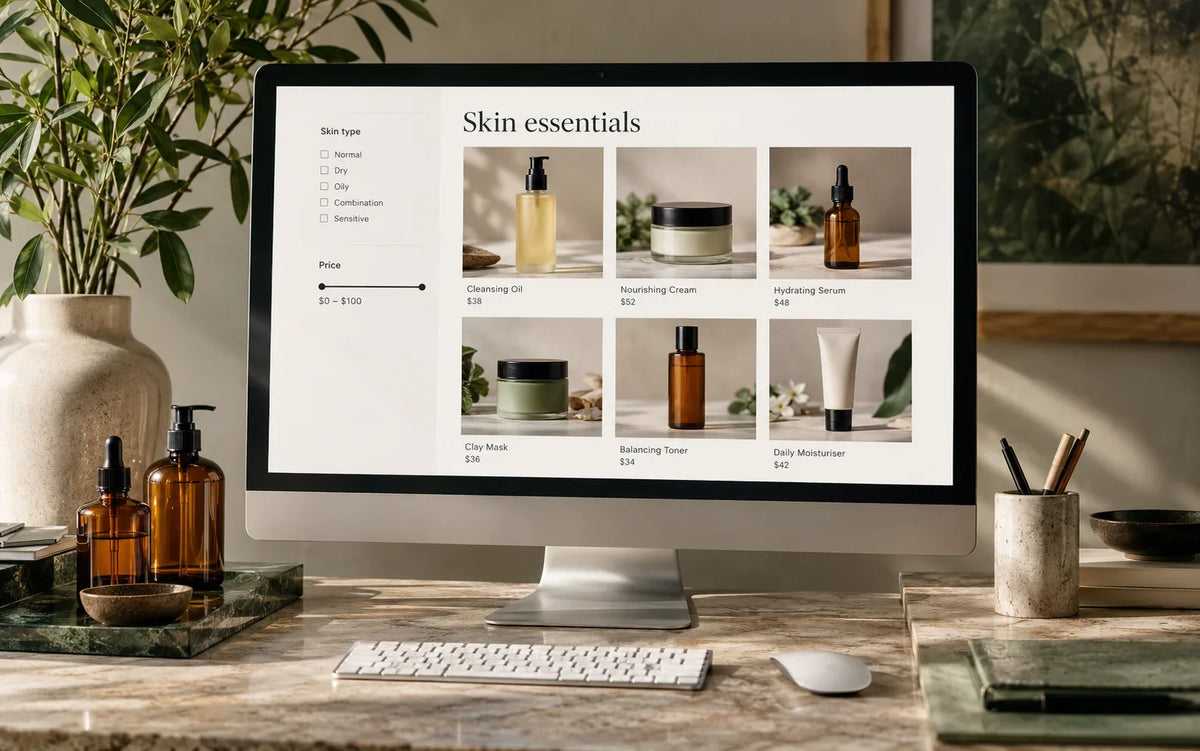
Organize Shopify collections around real customer choices, with clear labels, useful product cards and a manageable navigation hierarchy.
Use this guide to review your actual store, document the important decisions and agree on the next useful change.
Use customer language
Collection labels should describe how people look for your products. Internal departments, supplier codes and merchandising nicknames may make sense to staff while confusing a new visitor. Review search terms, support questions and the language used in your product descriptions. Choose labels that distinguish adjacent categories clearly. If two collections sound interchangeable, explain their difference or reconsider whether both need prominent positions in the menu.
Give the hierarchy a purpose
A menu is a set of routes, not an inventory of everything the business has ever published. Put the most useful shopping paths near the top and use supporting pages where they add context. Keep category depth manageable on phones. A visitor should understand how to move back from a submenu without losing their place. Test the full set of labels together, including seasonal additions and longer translated names where relevant.
Make collection cards informative
A product card should support an initial comparison. Show a recognizable image, readable title and accurate price. Add relevant option information only when it helps the choice. If every card has several badges, the labels may compete rather than clarify. Keep promotional wording consistent with the detail page. Check that the image crop works across the catalog rather than only on the products used during design.
Treat filtering as a customer task
Decide which attributes genuinely help narrow the collection. Category, size, material or compatibility may be useful; technical import tags usually are not. Use consistent attribute values so a filter does not fragment the same concept into several spellings. Test combinations that produce few or no results. Make active choices visible and provide a clear way to remove them. Avoid forcing customers to reopen the drawer to understand what they selected.
Check the return journey
Open a product from a filtered collection and then go back. Review whether the customer can continue comparing without unexpected changes. Check sorting, pagination and the clarity of the result count. If a collection contains a large catalog, test more than the first screen. A navigation improvement should work with ordinary browser behavior and not depend on the customer following a perfectly linear path.
Review the structure regularly
As products are added, collection rules and menu labels can drift apart. Assign ownership for category maintenance and record the purpose of important collections. Retire old promotional links deliberately rather than letting them accumulate. For a new catalog structure, explore Build; for an existing store, Improve can help connect navigation changes with the shopping journeys that need attention.
← All articlesKeep reading
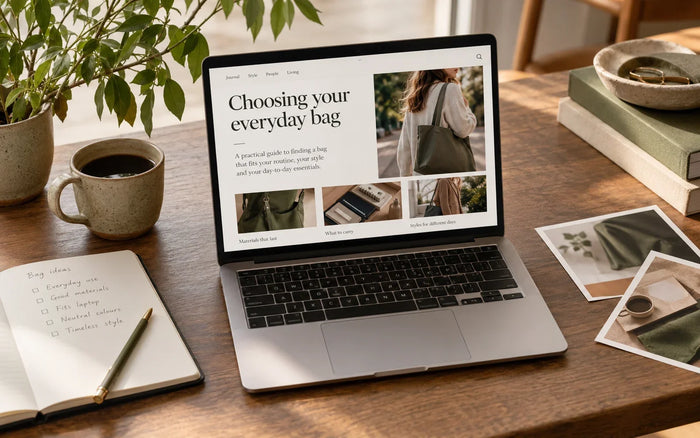
A Practical Shopify SEO Content Review for Store Owners
Review Shopify page titles, headings, product information and internal links with a practical content checklist focused on useful search intent.
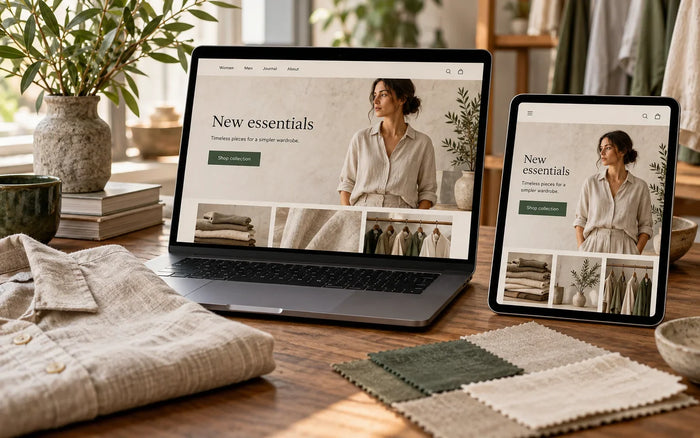
Choosing a Shopify Theme: Review the Tasks Behind the Demo
Choose a Shopify theme by checking catalog fit, editing needs, mobile behavior and integration requirements rather than the demo homepage alone.
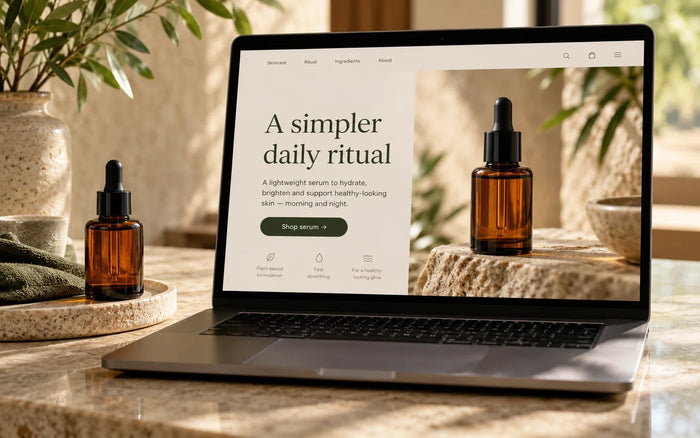
Shopify Landing Pages: Match the Campaign Promise to the Page
Plan a Shopify landing page around a specific campaign, relevant product information and a clear next action, with a focused review checklist.